Goals
Eliminate the need to switch between multiple management tools
Reduce information overload across different roles
Improve visibility and control for decision-makers
Support smooth, efficient daily operations
Process overview
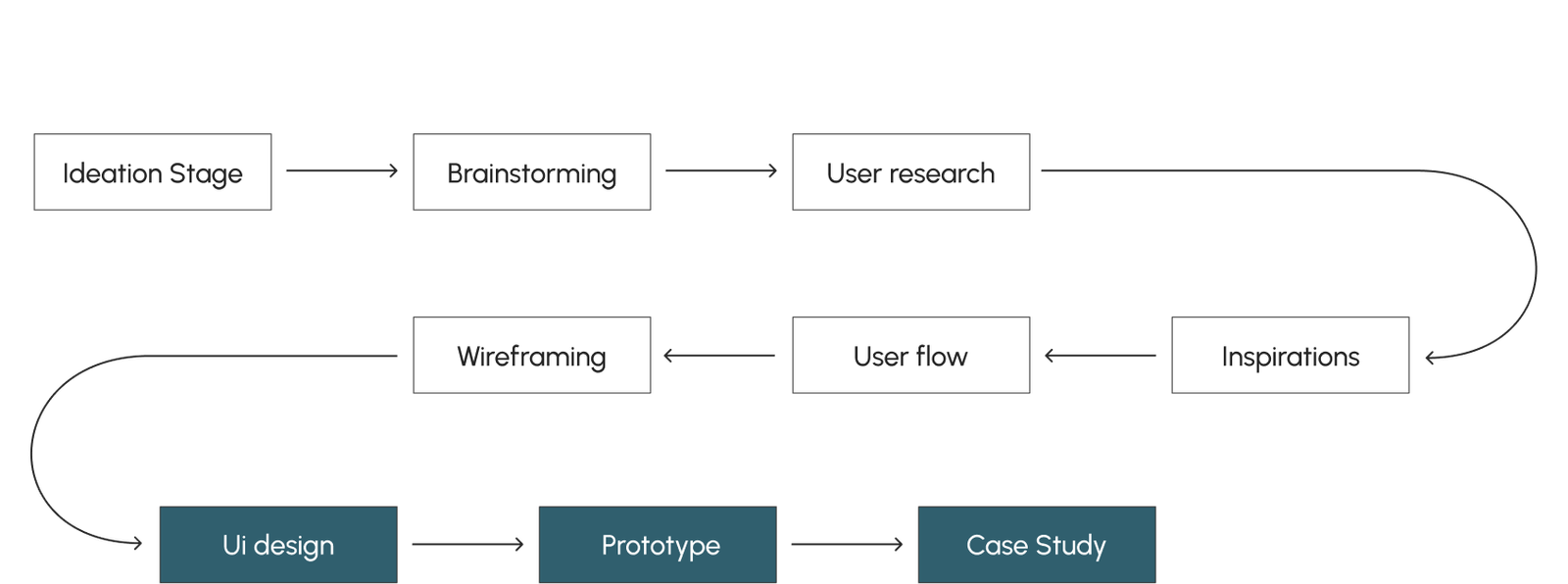
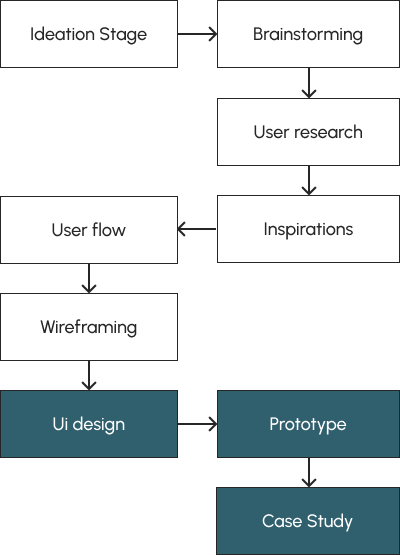
To approach the complexity of the system, we followed a structured design process that helped us define roles, workflows, and system logic before moving into visual design.
Problems
Disconnected systems
Daily restaurant management is spread across disconnected tools, forcing teams to switch constantly between systems.
Unclear visibility by role
This leads to information overload for some roles, limited visibility for others, and a lack of real-time control for managers.
Inefficient daily operations
As a result, simple operational tasks become inefficient and decision-making slows down.
1. Disconnected systems
Daily restaurant management is spread across disconnected tools, forcing teams to switch constantly between systems.
2. Unclear visibility by role
This leads to information overload for some roles, limited visibility for others, and a lack of real-time control for managers.
3. Inefficient daily operations
As a result, simple operational tasks become inefficient and decision-making slows down.
The system was designed to support different roles within a restaurant, each with distinct responsibilities, priorities, and daily workflows.
Defining these roles early helped shape the structure, access levels, and interactions across the system.
Key user roles
Restaurant Manager
Responsibilities: High-level operations, staff management, reports, and business performance.
Needs: Clear visibility, real-time data, and control over daily and long-term decisions.
Pain points: Information spread across systems, lack of overview, time-consuming manual tasks.
Kitchen Staff
Responsibilities: Order preparation, inventory awareness, and daily kitchen workflow.
Needs: Simple, focused information without unnecessary data.
Pain points: Overloaded interfaces and unclear priorities during busy shifts.
Service Staff
Responsibilities: Handling orders, payments, and customer interactions.
Needs: Fast access to relevant actions and real-time updates.
Pain points: Delays caused by unclear system feedback and fragmented tools.
Restaurant Manager
Responsibilities: High-level operations, staff management, reports, and business performance.
Needs: Clear visibility, real-time data, and control over daily and long-term decisions.
Pain points: Information spread across systems, lack of overview, time-consuming manual tasks.
Kitchen Staff
Responsibilities: Order preparation, inventory awareness, and daily kitchen workflow.
Needs: Simple, focused information without unnecessary data.
Pain points: Overloaded interfaces and unclear priorities during busy shifts.
Service Staff
Responsibilities: Handling orders, payments, and customer interactions.
Needs: Fast access to relevant actions and real-time updates.
Pain points: Delays caused by unclear system feedback and fragmented tools.
User flows by role
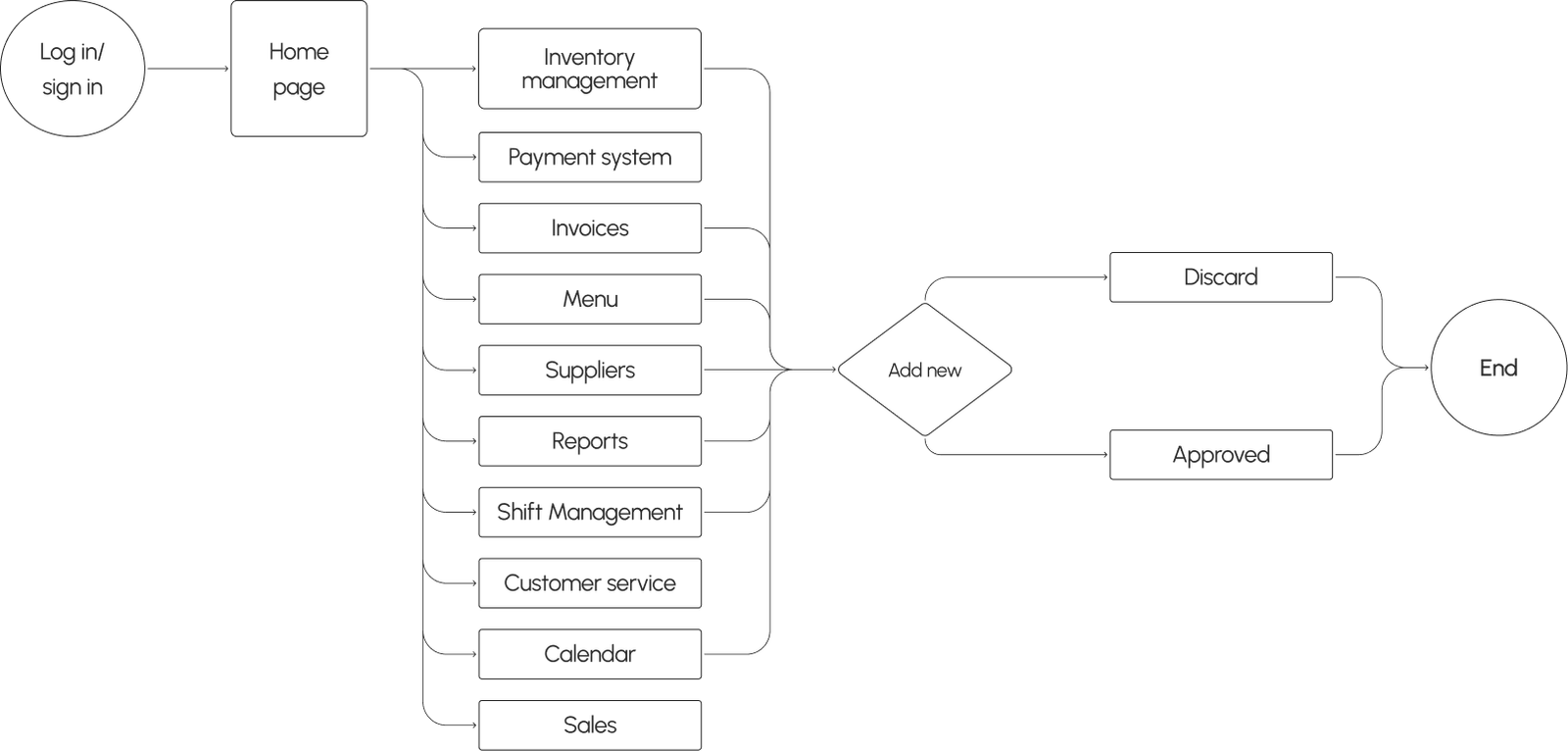
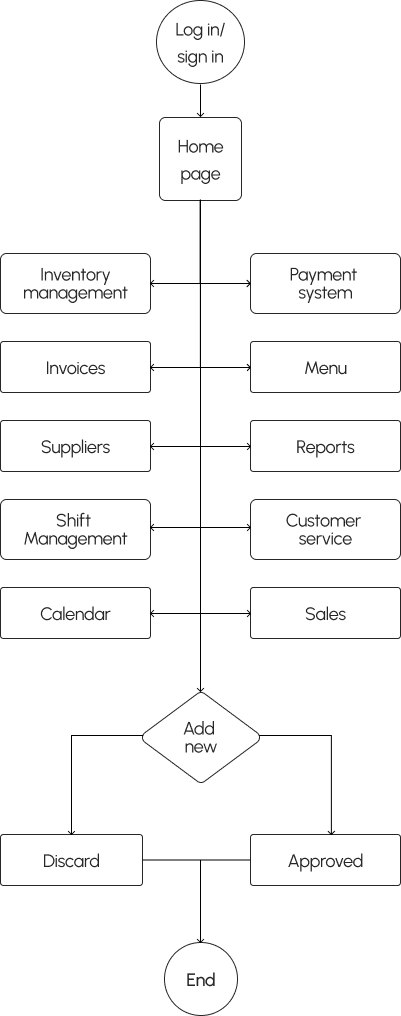
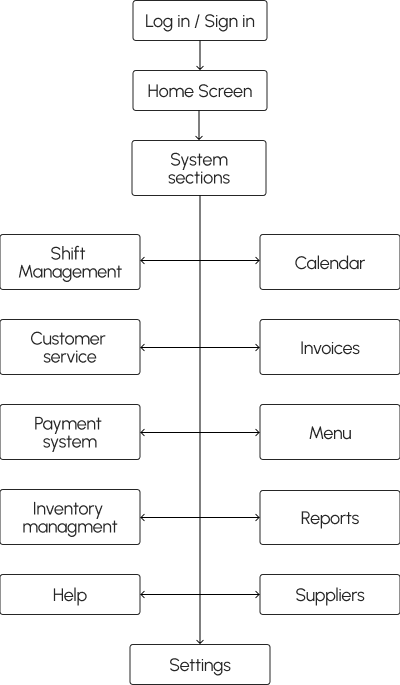
The system is built around a shared core flow used by all roles. Access and available actions change based on role permissions, allowing each user to interact only with the information relevant to their daily tasks.
Core system flow
Role access differences
Restaurant Manager

Full access across all system areas
Able to observe over the staff’s actions
Kitchen Staff
Access to orders and inventory visibility
Limited actions focused on preparations and status updates
Service Staff
Minimal access for daily operations
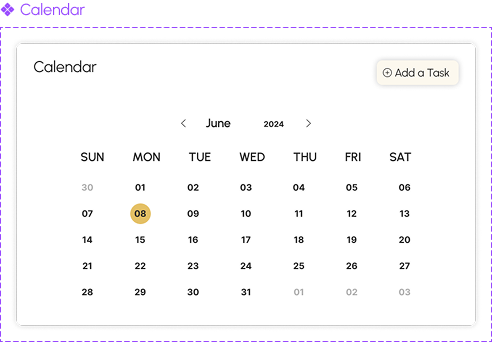
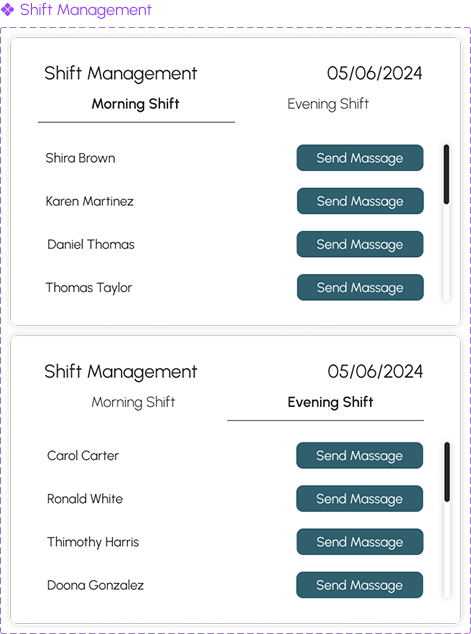
Tables status, shift calendar and basic actions only
Information Architecture
A single, scalable system structure designed to support multiple roles through permissions.
Role based access
A single, scalable system structure designed to support multiple roles through permissions.
Restaurant Manager

Full access across all system areas
Responsible for high-level decision-making and daily operations
Kitchen Staff
Focused access to orders, menu items, and inventory
Designed to support fast execution without unnecessary system complexity
Service Staff
Limited access to orders and table-related actions
The interface prioritizes speed and clarity during active service hours
Design system
Logo
Typography
URBANIST
Urbanist font is an excellent choice for our restaurant management system because its round corners perfectly complement the welcoming and friendly spirit of our project.
H1 - 50px - Main Headline
H2 - 28px - Medium Headline
H3 - 22px - Small Headline
Body text - 20px
Tags / labels - 16px
Color palette
rgb(141,200,211)
#E4C065
rgb(48,95,110)
#305F6E
rgb(84,60,47)
#543C2F
rgb(165,132,77)
#A5844D
rgb(255,255,255)
#FFFFFF
rgb(38,38,38)
#262626
UI Components
Final design
System screens
These screens define the foundation of the system and support daily operations across all roles.
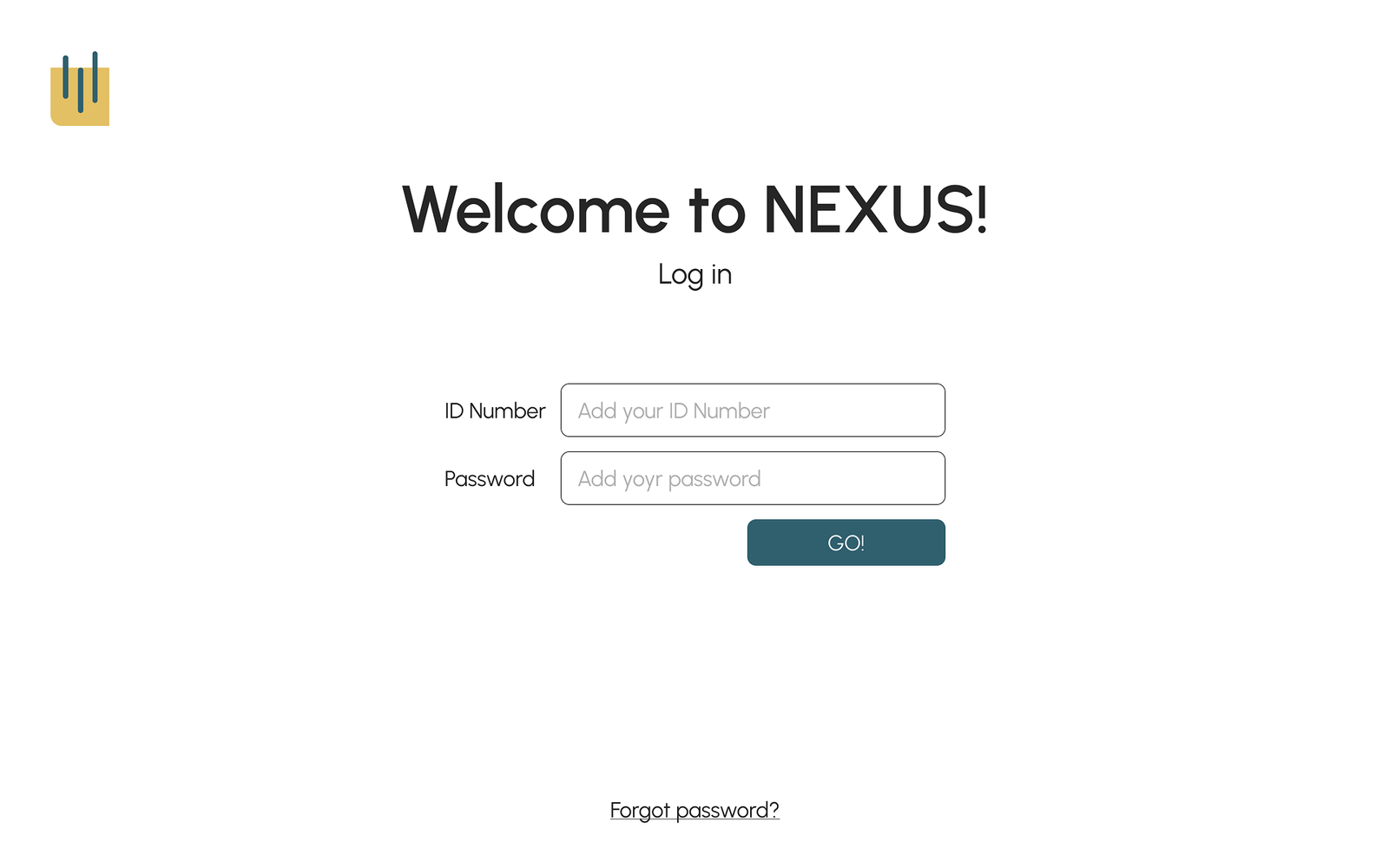
Log in
Users are directed into the system with permissions according to their role
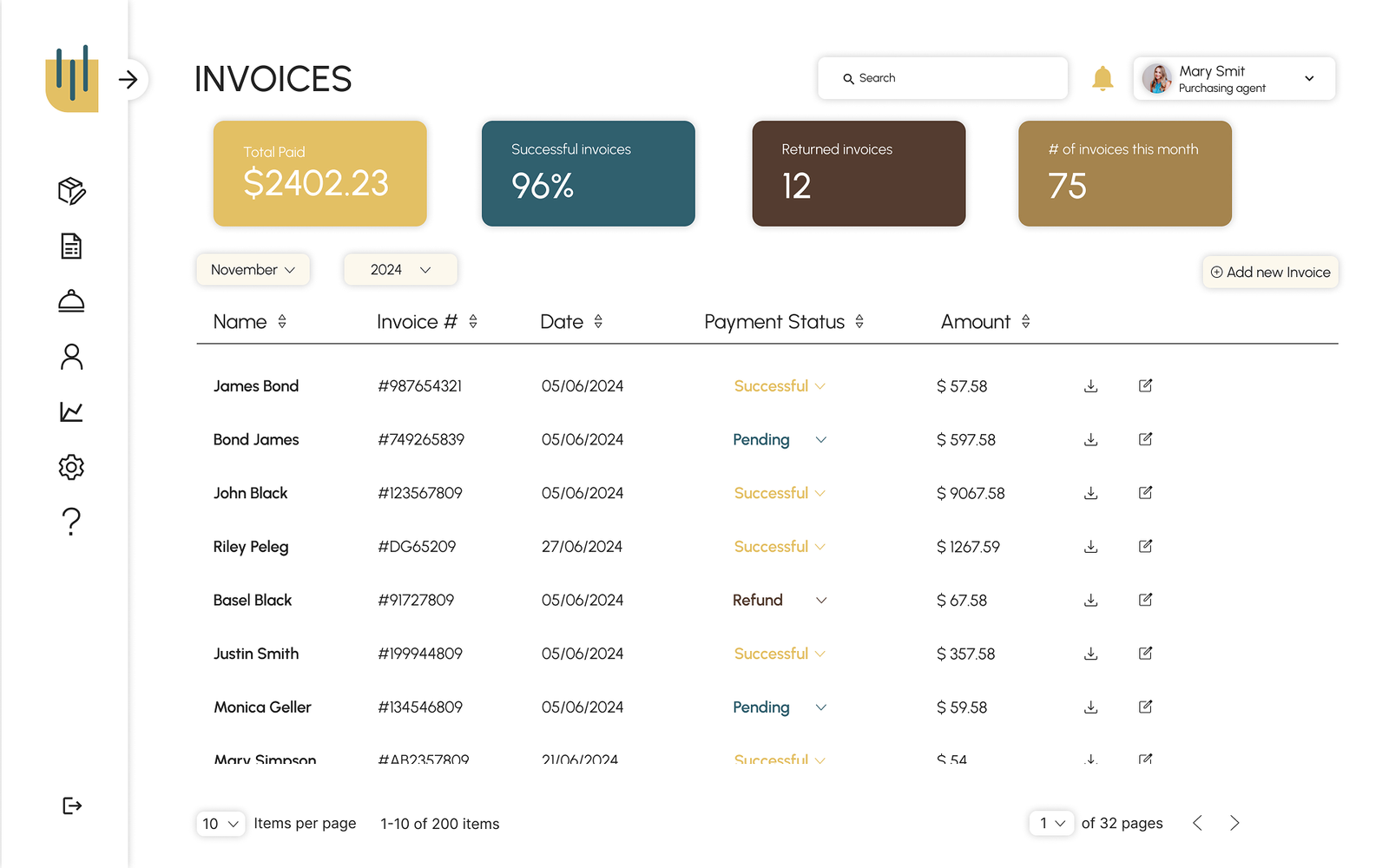
Invoices
Invoices are easy to review, create without disrupting daily workflows
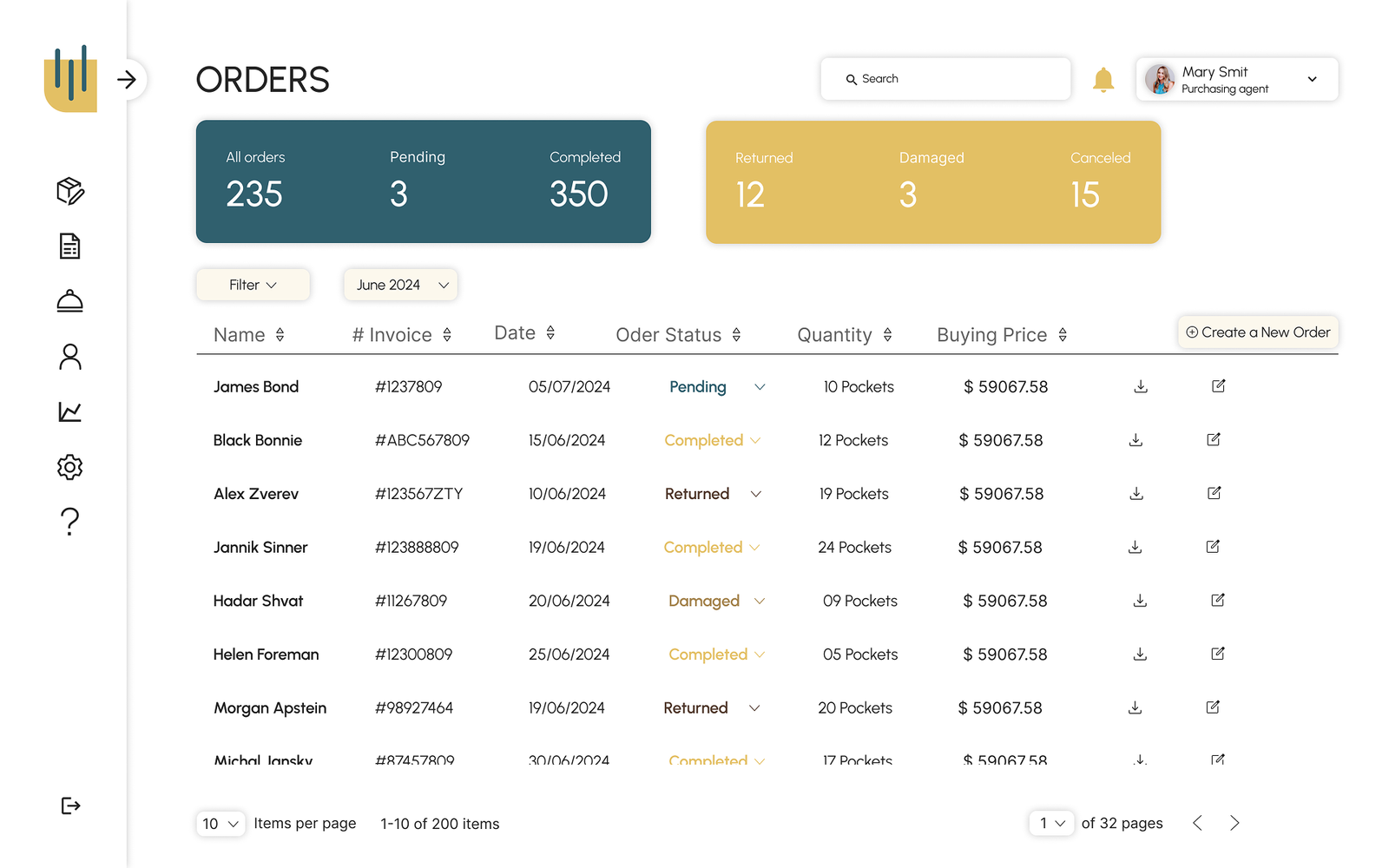
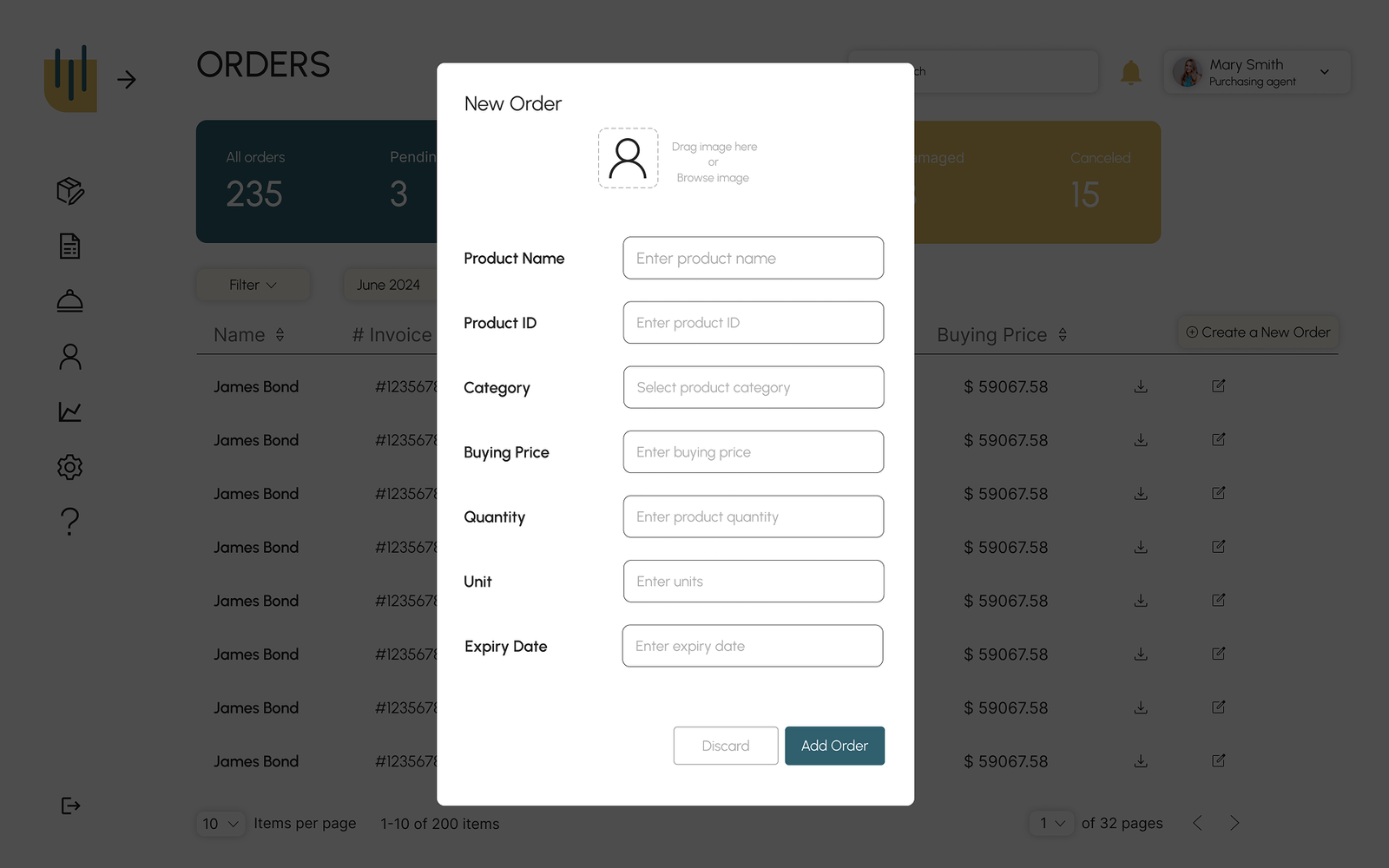
Orders
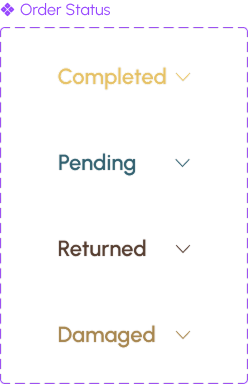
Orders can be added, reviewed and updated
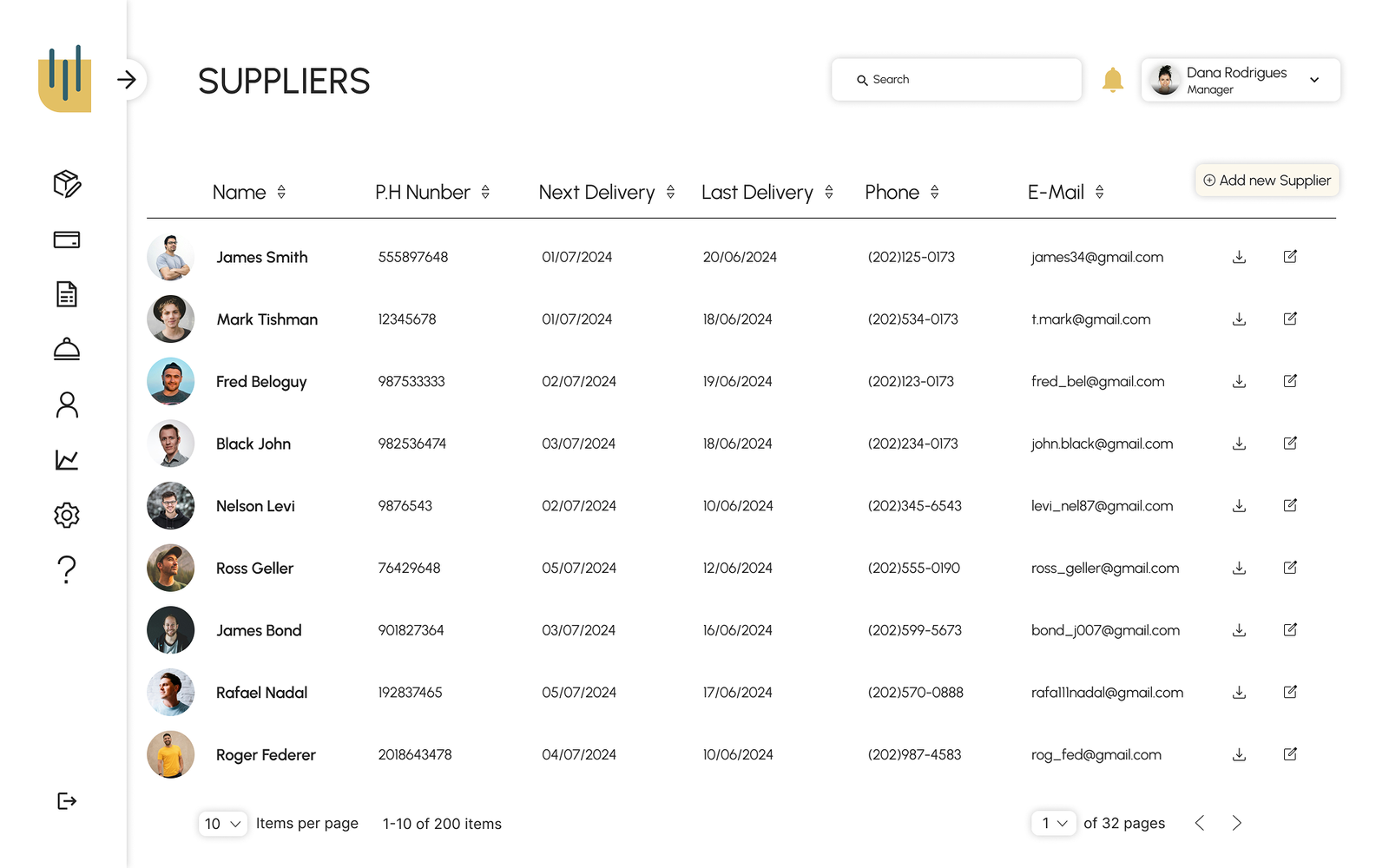
Suppliers
Organized access to suppliers and related data
Role based screens
The same system adapts to different roles by adjusting access, focus, and available actions.
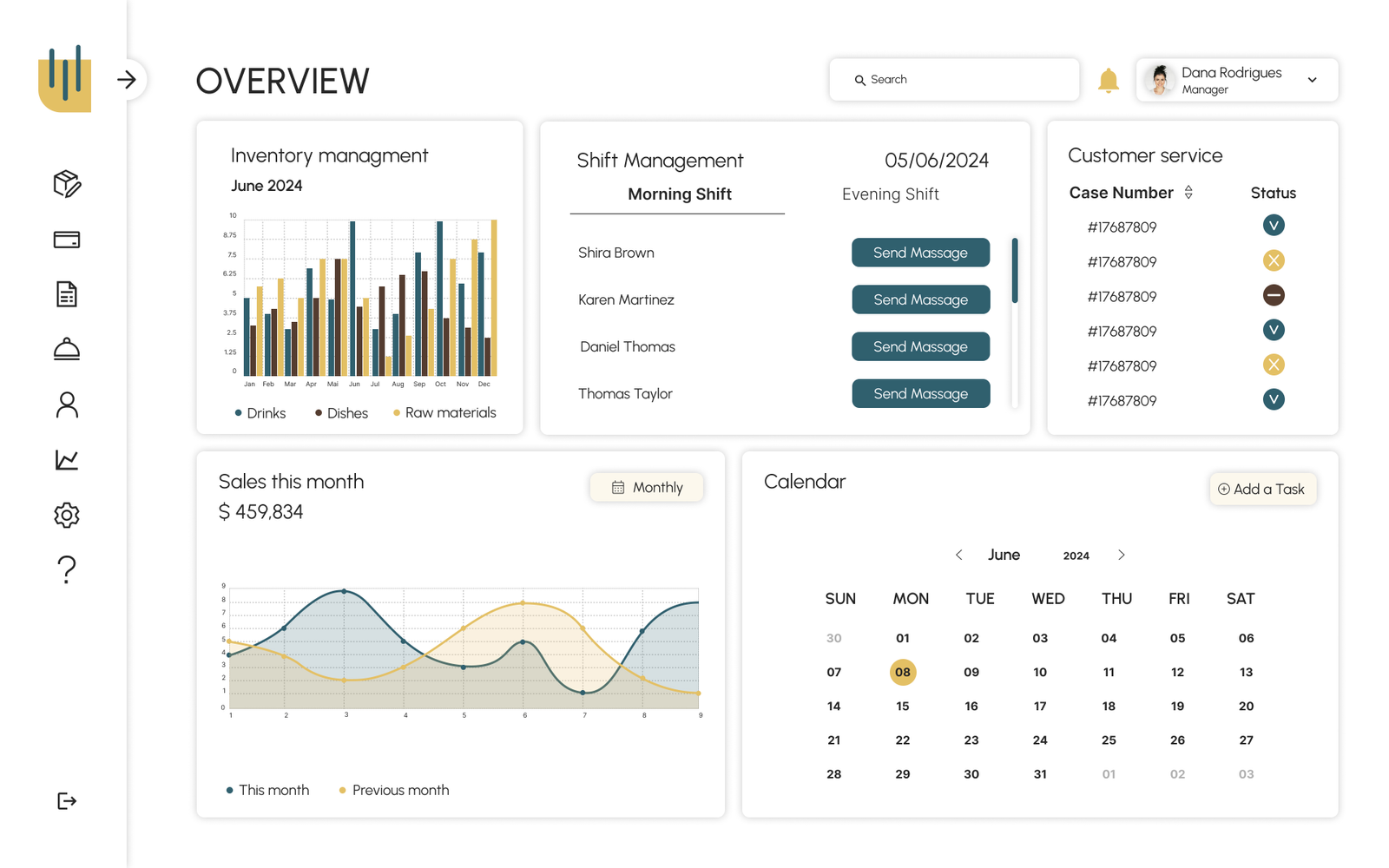
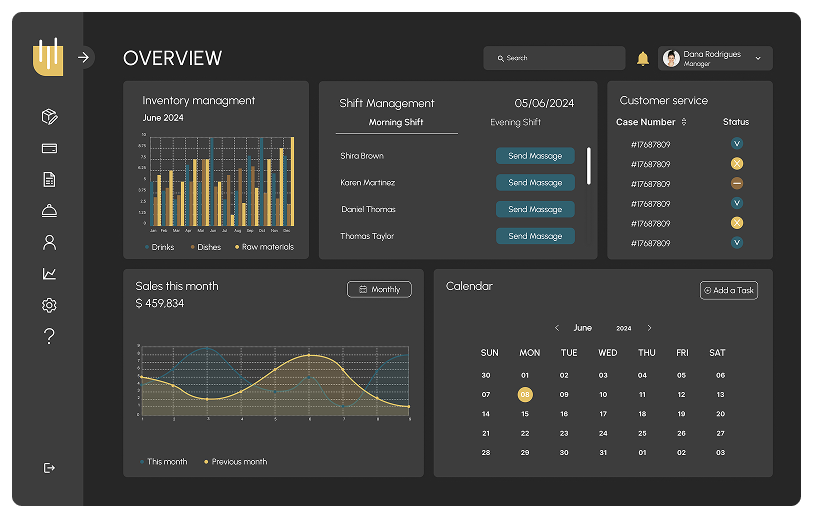
Manager overview
A high leveloverview of the restaurant’s performance
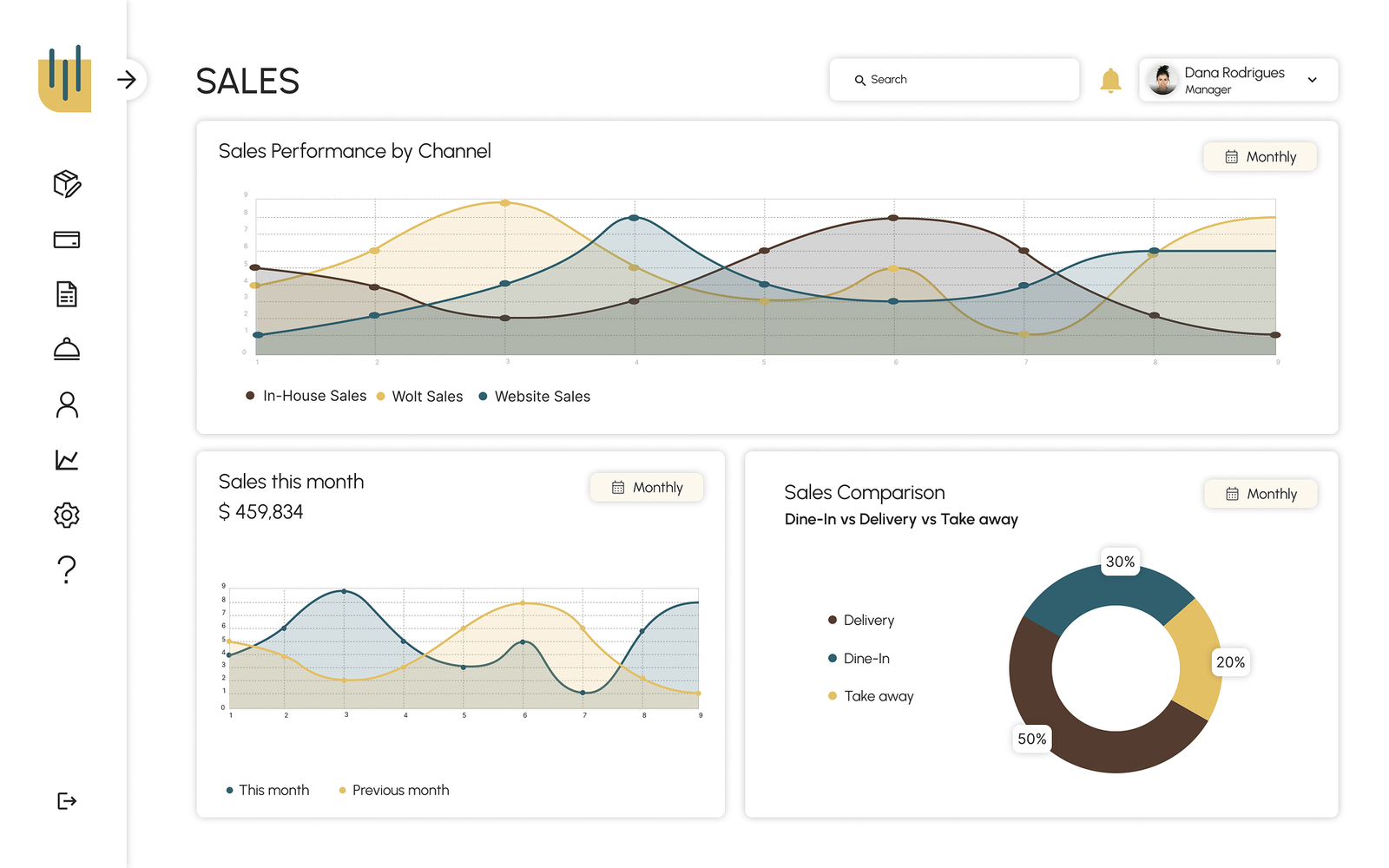
Sales
Clear visibility into sales data, for manager view only
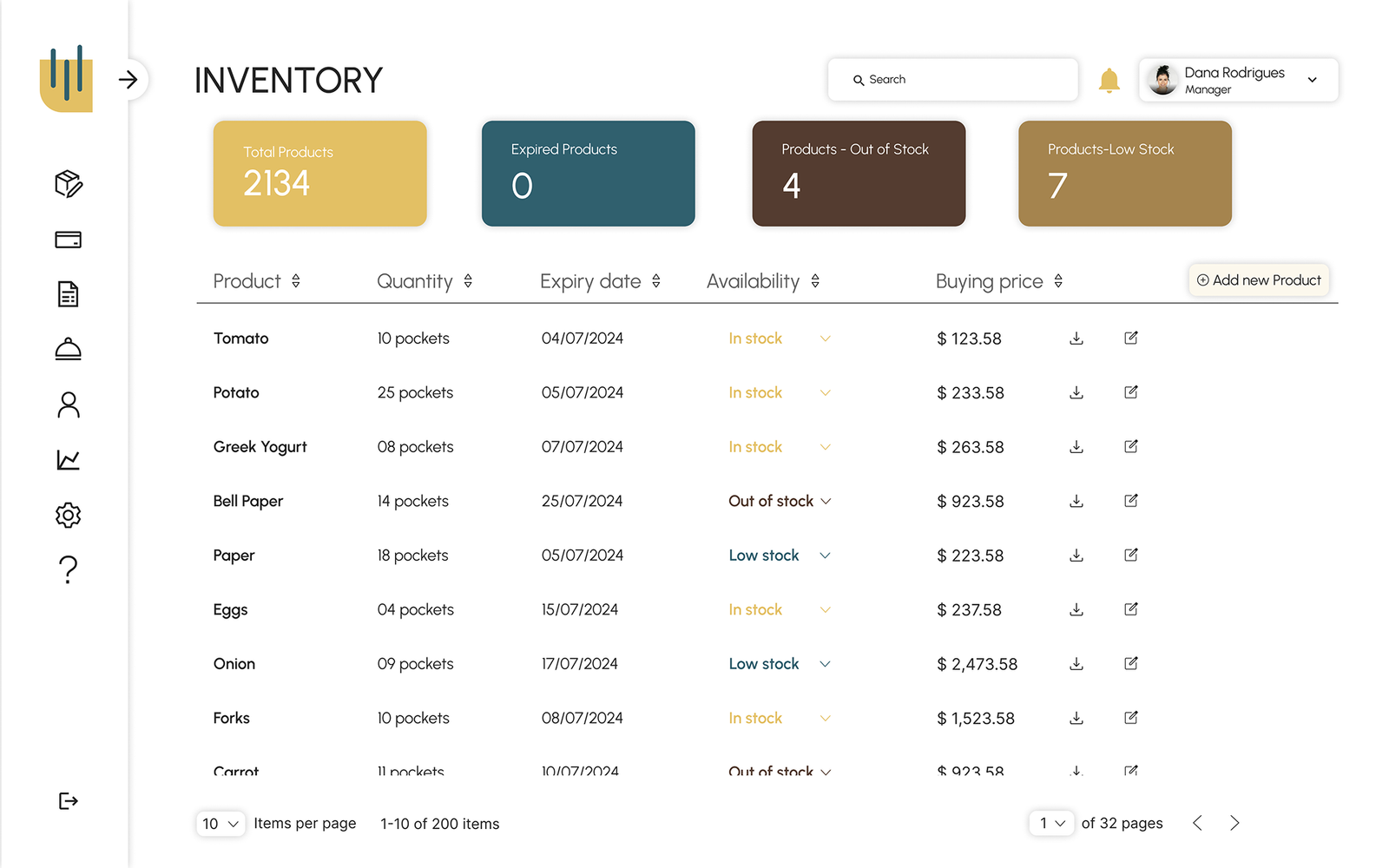
Inventory
Full control over the products, for manager and kitchen staff’s view and update
Creation form
One unified form used across the system, for manager and kitchen staff’s update